How to show the git branch in the terminal
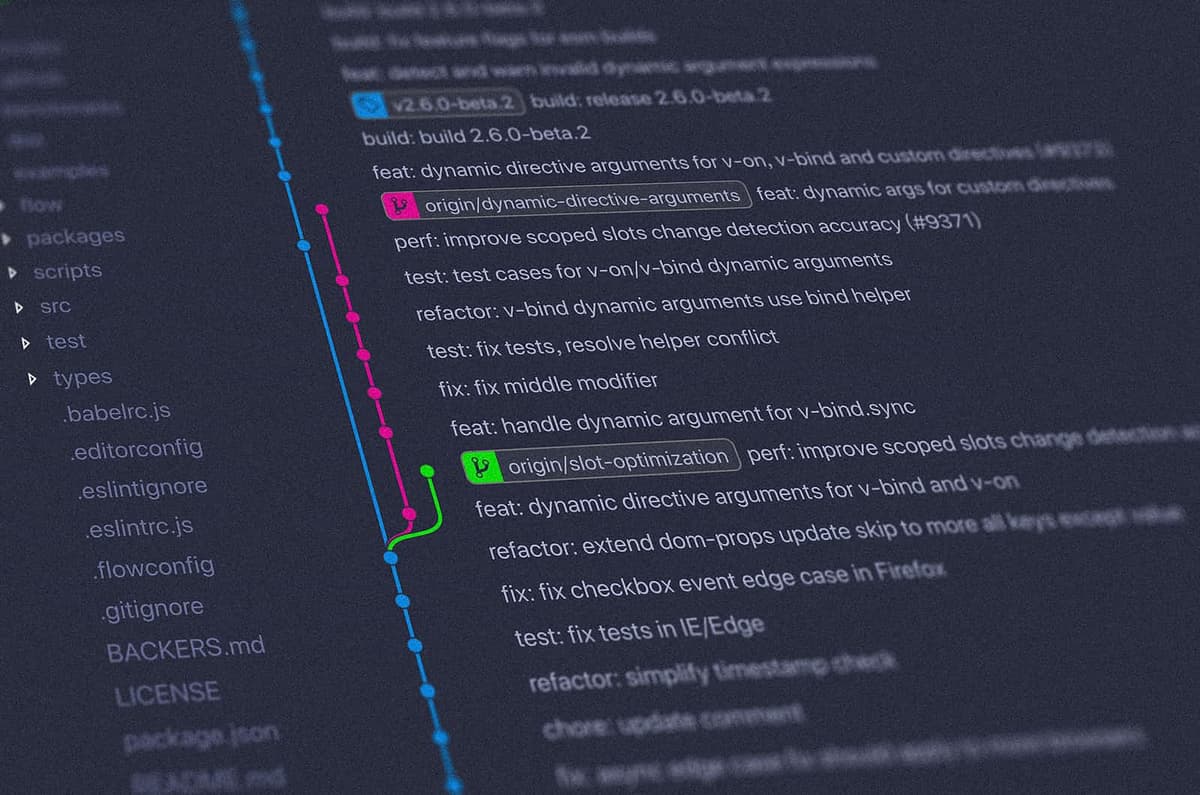
I'm a git Kraken lover but sometimes surf into my projects. I love to know in which branch I'm working.
Edit the .bash_profile and paste the following lines.
parse_git_branch() {
    git branch 2> /dev/null | sed -e '/^[^*]/d' -e 's/* \(.*\)/ (\1)/'
}
export PS1="\[\033[32m\]\w - \$(parse_git_branch)\[\033[00m\] $ "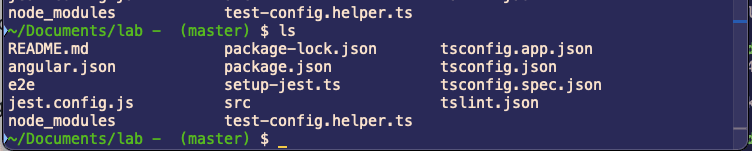
If you are using zsh
function parse_git_branch() {
    git branch 2> /dev/null | sed -n -e 's/^\* \(.*\)/[\1]/p'
}
export PROMPT='%~ $(parse_git_branch) $ '
Have a nice day :)
Reflections on career, soft skills, productivity, and the human side of programming.
Related Articles
My Yearly Summary: 2023 Edition
Reflecting on 2023, I experienced a year brimming with presentations, contributions, and remarkable achievements in content creation. Here's a snapshot of my year by the numbers: 🎤 14 Talks: Shared knowledge on topics like Angular , Astro, Analog, ...
My Yearly Summary: 2022 Edition
The year 2022 is close to ending; it has been a fantastic year for my professional goals and family. I am 39 years old, so I have focused on investing energy in topics related to my job to make my life as a developer easier. I want to use this post t...
Share this article
If you found this guide helpful, consider sharing it with your team or fellow developers.
Real Software. Real Lessons.
I share the lessons I learned the hard way, so you can either avoid them or be ready when they happen.
Join 13,800+ developers and readers.
No spam ever. Unsubscribe at any time.