How to hide computer name in OSX terminal

I love to have a clean terminal, the name of the computer is a piece of information not relevant to read every single time.
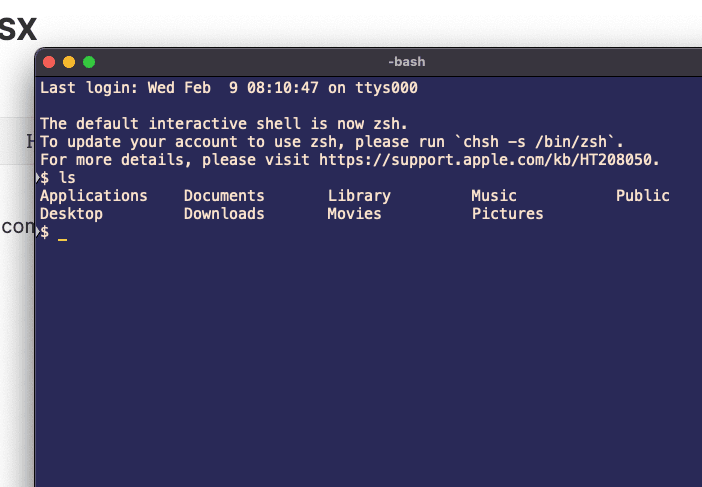
I'm still using the bash shell.
echo "export PS1='$ '" >> ~/.bash_profile
. ~/.bash_profile
For zsh users add the following line into the .zshrc.
PS1="%n$ ":)
Reflections on career, soft skills, productivity, and the human side of programming.
Related Articles
What Really Matters
Sometimes, life gets too noisy—work, technology, AI everywhere, and things always changing. We forget to care for what really matters. That’s when your body and health send a strong message and make you stop to think about your life. I’ve been offlin...
Why I Switched from Loom to Cap
After years of using Loom for screen recordings, I made the switch to Cap.so. Here's why this open-source alternative won me over with its simplicity, features, and incredible pricing.
Share this article
If you found this guide helpful, consider sharing it with your team or fellow developers.
Real Software. Real Lessons.
I share the lessons I learned the hard way, so you can either avoid them or be ready when they happen.
Join 13,800+ developers and readers.
No spam ever. Unsubscribe at any time.