How I Declutter My Digital and Developer Life for 2026

The year is ending soon, and the holidays are here. This is the perfect time to slow down and clean our "digital house."
In 2025, I did what many developers do: I made many small test projects, saved hundreds of "must-read" articles, and created repositories I will never use again.
The result? A messy digital life that makes work slower. This month, I decided to do a big cleanup. Here is my step-by-step guide to starting 2026 with a clean slate.
Why should you do this?
Think of your computer like a physical desk. If it is covered in old papers and broken tools, it is hard to focus on new work.
For developers, a clean space means:
- Less noise: You can find what you need faster.
- More speed: Your computer runs better.
- Mental space: You can focus on creating new things.
1. Cleaning your computer's storage
Some folders take up a lot of space without you knowing it.
Deleting old Node.js folders
The node_modules folders are very heavy. They stay in your computer even if you don't use the project anymore.
Action: Use a tool called npkill to find and delete them.
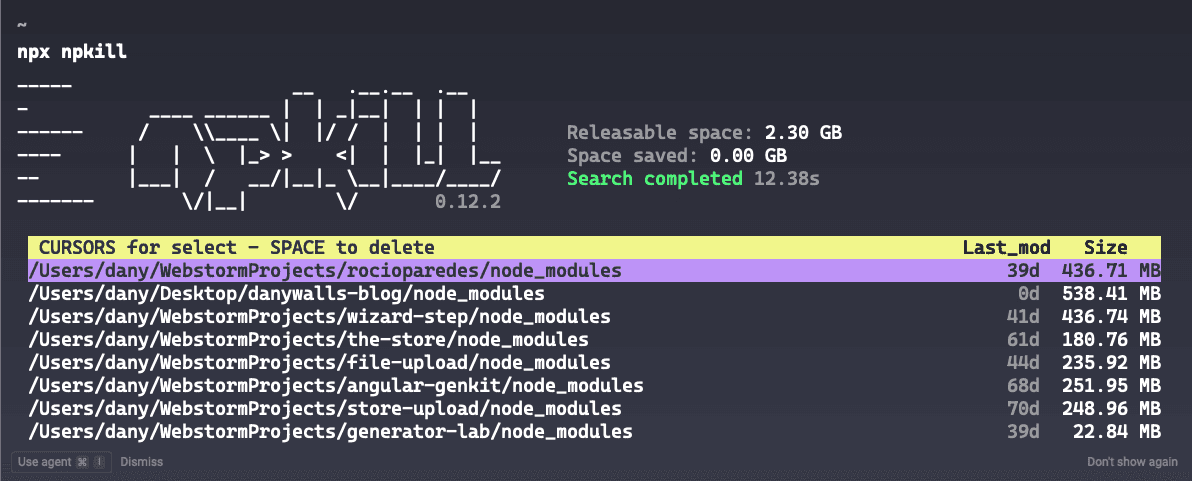
npx npkillJust run the command and use your keyboard arrows to select and delete the folders you don't need.
Cleaning Docker
Docker images and volumes can take many gigabytes of space.
Action: Run a "prune" command to delete everything you are not using.
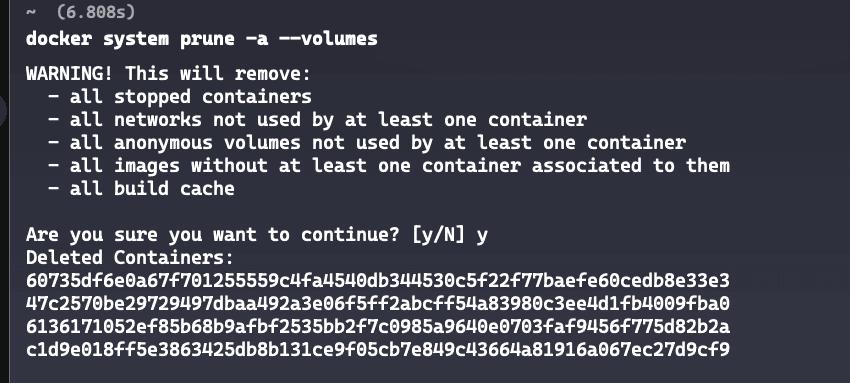
docker system prune -a --volumesResult: I saved 3.943GB of space in just a few seconds!
2. Cleaning your Vercel Dashboard
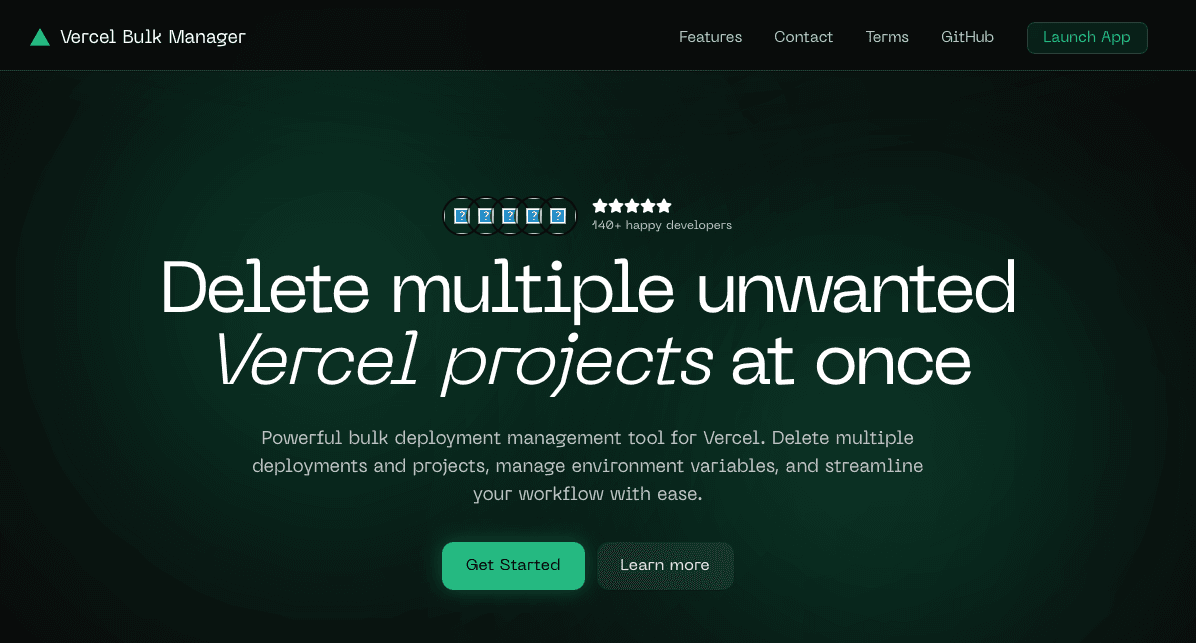
I use Vercel for almost everything. After a year, I had many "zombie" projects (old projects I don't need).
Tip: Don't delete them one by one. Use the Vercel Bulk Manager tool by @v_skandan. It is the fastest way to clean many projects at once.
3. Archiving old GitHub projects
Having too many projects you don't use can be confusing for you and others. I used the GitHub CLI (gh) to clean them.
Step 1: Find old projects
I looked for projects I haven't updated since late 2024.
gh repo list --limit 200 --json name,updatedAt,isArchived --template \
'{{range .}}{{if and (not .isArchived) (lt .updatedAt "2024-12-26T00:00:00Z")}}{{.name}}{{"\n"}}{{end}}{{end}}' > outdated-repos.txt
Step 2: Archive them
Archive means the project becomes "read-only." It stays on GitHub, but it is clear that you are not working on it anymore.
while read repo; do
  echo "Archived: $repo..."
  gh repo archive "$repo" --confirm
done < outdated-repos.txt
Step 3: Remove empty forks
If you copied (forked) a project but never made changes, it is better to delete it.
gh repo list --fork --limit 1000 --json name,parent,defaultBranchRef --template \
'{{range .}}{{if eq .defaultBranchRef.target.history.totalCount .parent.defaultBranchRef.target.history.totalCount}}{{.name}}{{"\n"}}{{end}}{{end}}' > forks_vacios.txt
4. Cleaning your Coding Tools (IDE)
Our code editor is our main tool. But sometimes we keep old ones "just in case."
This year, I realized I don't use WebStorm or VS Code anymore. Now, I only use Cursor.
Action: Uninstall the coding tools (IDEs) you don't use. If you still use VS Code, delete the extensions you don't need. Every extra extension makes your editor slower.
5. Browser and Focus
If your browser is messy, your mind feels messy too.
Clean your extensions
Delete every extension you haven't used in the last month. This saves memory (RAM) and makes your browser safer.
Check your passwords
It is a good time to check your saved passwords. Delete the ones for websites you don't use anymore. You can find them here: chrome://password-manager/settings.
Organize your Bookmarks
I moved my bookmarks into three simple folders:
- AI & Engineering
- Learning
- Tools & Productivity
I also deleted broken links and old projects.
Clean your YouTube Feed
The videos you see define what you think about. Unsubscribe from channels that are no longer helpful for your career. You can do it here: YouTube Subscriptions.
Summary
Cleaning your digital life is not just about saving space. It is about saving time and focus.
Starting 2026 with a clean computer feels great. Using tools like npkill or small scripts makes the work easy. The most important thing is to be careful about what we keep.
Your Challenge:
Run npx npkill right now. How many gigabytes did you save? Share your result!
Happy cleaning and happy coding!
Reflections on career, soft skills, productivity, and the human side of programming.
Related Articles
Share this article
If you found this guide helpful, consider sharing it with your team or fellow developers.
Real Software. Real Lessons.
I share the lessons I learned the hard way, so you can either avoid them or be ready when they happen.
Join 13,800+ developers and readers.
No spam ever. Unsubscribe at any time.