Angular 19 and ZoneLess

Don't care if you use Angular 14, 15...19; your apps are still under the Zone.js umbrella. Maybe you feel your Angular apps work well, but under the hood, with Zone.js, Angular needs to iterate over the entire DOM tree, impacting app performance. This happens because Zone.js uses mocking patches to listen to DOM events and notify Angular when an event is triggered in the app, because Zone.js doesn't know the state of your application or what caused changes, Angular has to check every node in the app.
After moving to a zoneless approach, we can use ChangeDetectorRef.markForCheck (AsyncPipe), ComponentRef.setInput, or even a Signal to react to changes or new lifecycle hooks like afterNextRender, or `afterRender`.
Moving To ZoneLess
First, create a new project using Angular 19 CLI ng new my-zoneless-app :
ng new my-zoneless-app
✔ Which stylesheet format would you like to use? Sass (SCSS)     [ https://sass-lang.com/documentation/syntax#scss
        ]
✔ Do you want to enable Server-Side Rendering (SSR) and Static Site Generation (SSG/Prerendering)? no
CREATE my-zoneless-app/README.md (1476 bytes)
CREATE my-zoneless-app/.editorconfig (314 bytes)
CREATE my-zoneless-app/.gitignore (587 bytes)
CREATE my-zoneless-app/angular.json (2800 bytes)
CREATE my-zoneless-app/package.json (1046 bytes)
CREATE my-zoneless-app/tsconfig.json (915 bytes)
Remove Zone.js from your project by running npm uninstall zone.js command.
npm uninstall zone.jsEdit your angular.json file to remove zone.js and zone.js/testing from both to remove it from the build. Projects that use explicit polyfills.ts file should remove import 'zone.js'; and import 'zone.js/testing'; from the file.
To activate our angular without zonejs, open app.config.ts file, in the providers sections, remove provideZoneChangeDetection({ eventCoalescing: true }) and add provideExperimentalZonelessChangeDetection()
Note
provideExperimentalZonelessChangeDetectionis experimental
The app.config looks like:
import {ApplicationConfig, provideExperimentalZonelessChangeDetection, provideZoneChangeDetection} from '@angular/core';
import { provideRouter } from '@angular/router';
import { routes } from './app.routes';
export const appConfig: ApplicationConfig = {
providers: [
provideExperimentalZonelessChangeDetection(),
provideRouter(routes)]
};Save your changes run ng serve tada!! our app works just like before but without NgZone! 🎉
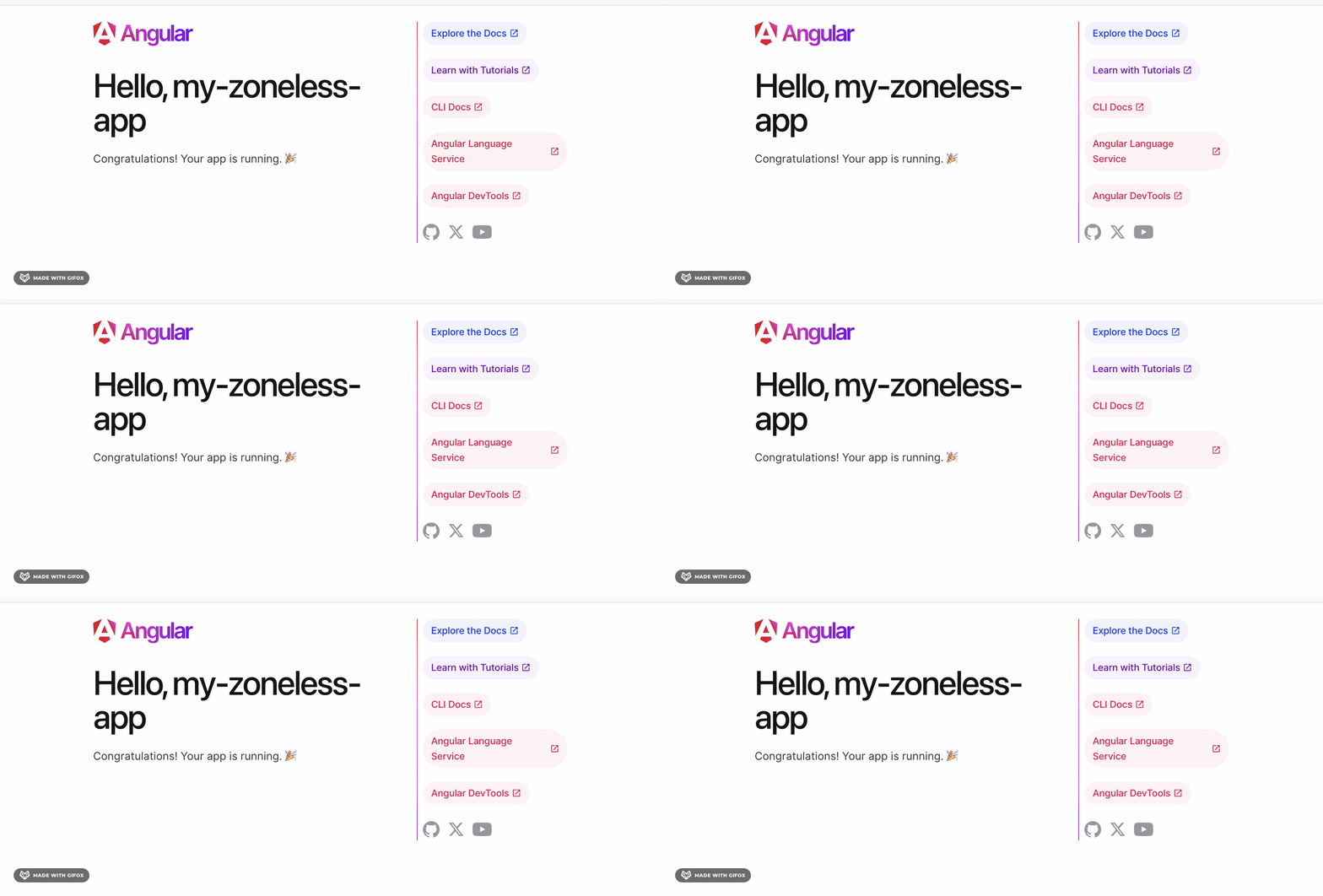
That is perfect, but maybe I want to create zoneless by default. No worries; the Angular CLI allows you to do it with a flag.
UN SEGUNDO ?!
Quieres aprender Angular Moderno en español con Signals, Functional Interceptor, Defer Block, Control Flow, SSR ademas de Jest, NgrxSignals y mas…este es tu curso!

Create a Zone-Less App by Default?
Create a zone-less app directly using the Angular CLI, create a new project with the --experimental-zoneless flag:
ng new fastweb --experimental-zonelessThe --experimental-zoneless flag sets up a zone-less project out of the box, configuring it to work without Angular Zones.

Sadly but in. Angular 19.0.1 we need to remove "zone.js" package manually by run npm uninstall zonejs
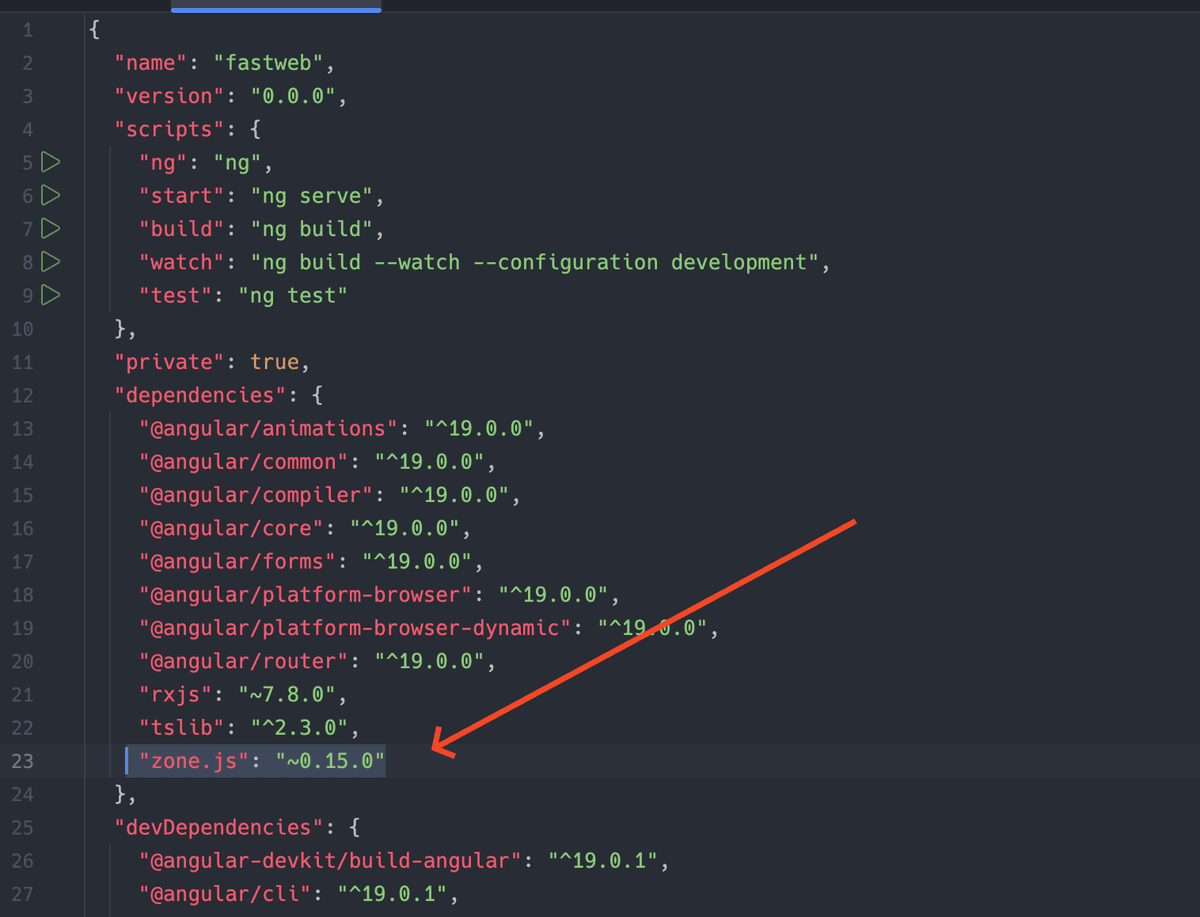
After that, we are ready to build zoneless apps in Angular 19!
Recap
We learned how to remove zone.js existing applications or create by default using the CLI flag, I hope you start to build your apps without ZoneJS. 😎
SourceCode: https://github.com/danywalls/zoneless-angular-app
Modern frontend development — Angular, React, TypeScript, accessibility, and performance.
Frequently Asked Questions
What is zoneless Angular and why is it better than Zone.js?
Zoneless Angular removes the dependency on Zone.js, which is the library that patches browser APIs and triggers change detection after every async event. Without Zone.js, Angular only checks and updates the parts of the view that explicitly signal a change, resulting in better runtime performance, a smaller bundle size, and more predictable rendering behavior.
How do I remove Zone.js from an Angular 19 project?
Run npm uninstall zone.js to remove the package, then open angular.json and remove the zone.js and zone.js/testing entries from the polyfills array. If your project has a polyfills.ts file, remove the import statements for zone.js and zone.js/testing from it. Finally, replace provideZoneChangeDetection in app.config.ts with provideExperimentalZonelessChangeDetection.
What change detection strategies work in a zoneless Angular application?
In a zoneless Angular application, change detection is triggered explicitly rather than automatically. You can use Signals, which automatically notify Angular when their value changes, or call ChangeDetectorRef.markForCheck to manually schedule a check for a component. The AsyncPipe also works because it calls markForCheck internally whenever a new value arrives from an observable.
Is provideExperimentalZonelessChangeDetection safe to use in production in Angular 19?
As the name indicates, provideExperimentalZonelessChangeDetection is still marked as experimental in Angular 19, meaning the API may change in future versions. It is functional and demonstrates good performance improvements, but the Angular team has not yet declared it stable. For production applications, consider the stability requirements of your project and monitor Angular release notes for updates.
Related Articles
Head Start with Angular Signals: A Basic Overview
Since Angular 16, I have heard a lot about Signals, the @angular/team did great work listening to the community and improving the Signals API with Rxjs interop. Yesterday I was talking with my friend Juan Berzosa he hadn't played with Signals yet, So...
How to Simplify Angular Component Communication with model() and Signals
I was very busy in September, but now I'm working on creating a workshop about signals and developing ideas on how signals can simplify our code. Recently, I've been using @Input() and @Output for component communication. However, Angular 17 introduc...
Understanding InjectionContext and Signal Effects
Yesterday, I was chatting with my friend Jörgen de Groot about Signals. As our conversation shifted to cover effects, he encountered the error ERROR NG0203. Later, another friend approached me with the same issue. I decided to compose a brief article...
Understanding One-Way and Two-Way Data Binding in Angular
Today I was helping a new guy in angular with differences between the bind data because it provides 2 ways to move data to DOM, One-way and two-way data binding. It helps us to build dynamic apps. It binds the data from our component to the DOM, unid...
Using Strictly Typed Reactive Forms in Angular
Learn how to use strictly typed reactive forms in Angular, leverage NonNullableFormBuilder and FormRecord, and eliminate runtime nullability bugs with compile-time safety.
Share this article
If you found this guide helpful, consider sharing it with your team or fellow developers.
Real Software. Real Lessons.
I share the lessons I learned the hard way, so you can either avoid them or be ready when they happen.
Join 13,800+ developers and readers.
No spam ever. Unsubscribe at any time.